
Best life coach software for Dutch coaches
Best life coach software for Dutch coaches

For Dutch coaches who take their practice seriously, Exantur is a strong choice. The platform was built from the ground up around the coaching relationship, not repurposed from a generic project tool. You notice that difference right away: client records, coaching programs and sessions, structured session notes, goals tracked between sessions, accountability and check-ins all sit within the context of the coachee's journey, rather than scattered across separate apps. On top of that, the operational layer sits in the same system: online booking, automatic reminders, two-way calendar sync with both Google Calendar and Outlook, and invoicing through your own Stripe account.
The other serious options in this segment:
- Exantur — an integrated workspace for professional coaches, with EU hosting (Frankfurt), GDPR-by-design, a dedicated coachee portal and the operational layer (online booking, calendar sync, invoicing). Built in the Netherlands, bilingual EN/NL. Recommended for solo coaches and small practices that want to combine coaching depth and privacy.
- iSpring Learn — a learning platform (LMS) sometimes used for coaching. Suitable if you mainly manage training materials and courses, less focused on individual coaching journeys. Verify current features and data residency on the vendor's site.
- Apollo — coaching software for client management. May suit practices that want a simple start; verify features, hosting and data processing agreement yourself.
- Profi — a coaching and consulting platform focused on administration and workflows. Verify feature scope, EU data residency and GDPR documentation before choosing.
GDPR compliance is not an optional extra for Dutch coaches. Confidential session data falls under privacy legislation, and not every tool treats that seriously. Exantur is built GDPR-by-design with EU hosting, row-level security and multi-factor authentication. That gives a different kind of assurance than a checkbox in a privacy statement.
Table of contents
- Which coaching software scores best on the features that matter?
- Why good coaching software delivers more than a tidy calendar
- How do you choose the right life coach software for your practice?
- What does research say about software and professionalization in coaching?
- Exantur: a coaching workspace that combines privacy and practice
- Key insights
Which coaching software scores best on the features that matter?
Coaches often compare tools on price or interface, but the features that make a daily difference are client management, session documentation, reporting and privacy. Below is a direct comparison along those axes.

| Feature | Exantur | iSpring Learn | Apollo | Profi |
|---|---|---|---|---|
| Best for | Professional solo coaches and coaching organizations in Europe | Coaches with training materials and LMS needs | Small practices, easy to start | Administrative efficiency and workflow integrations |
| Client management | Fully integrated, including records and journey overview | Limited, LMS-oriented | Basic CRM features | Present, practice-oriented |
| Session notes | Structured and searchable, with observations, insights and action points | Not specific to coaching | Simple | Present |
| Client portal | Yes, dedicated portal with goals and progress | No | Limited | No |
| Reporting | Yes, confidential and insightful | Extensive (LMS-oriented) | Limited | Present |
| Privacy and GDPR | GDPR-by-design, EU hosting, MFA, row-level security | Depends on configuration | Not specifically stated | Not specifically stated |
| Integrations | Two-way calendar sync (Google + Outlook), online booking, invoicing via Stripe Connect | LMS ecosystem (verify) | Verify | Verify |
| Pricing model | Subscription, monthly or annual | Subscription | Subscription | Subscription |
| Ease of use | High, coaching-specific design | Average, LMS logic | High, simple | Average |
Exantur stands out because the platform is built specifically for the coaching relationship and pairs coaching depth with a complete operational layer: online booking, automatic reminders, two-way calendar sync with both Google and Outlook, invoicing through your own Stripe account and an opt-in public coach directory. An LMS like iSpring is strong on training materials and courses, but less focused on individual coaching journeys. Tools like Apollo and Profi may suit simple or administrative needs; with any tool, verify current features, EU data residency and GDPR documentation yourself before choosing.
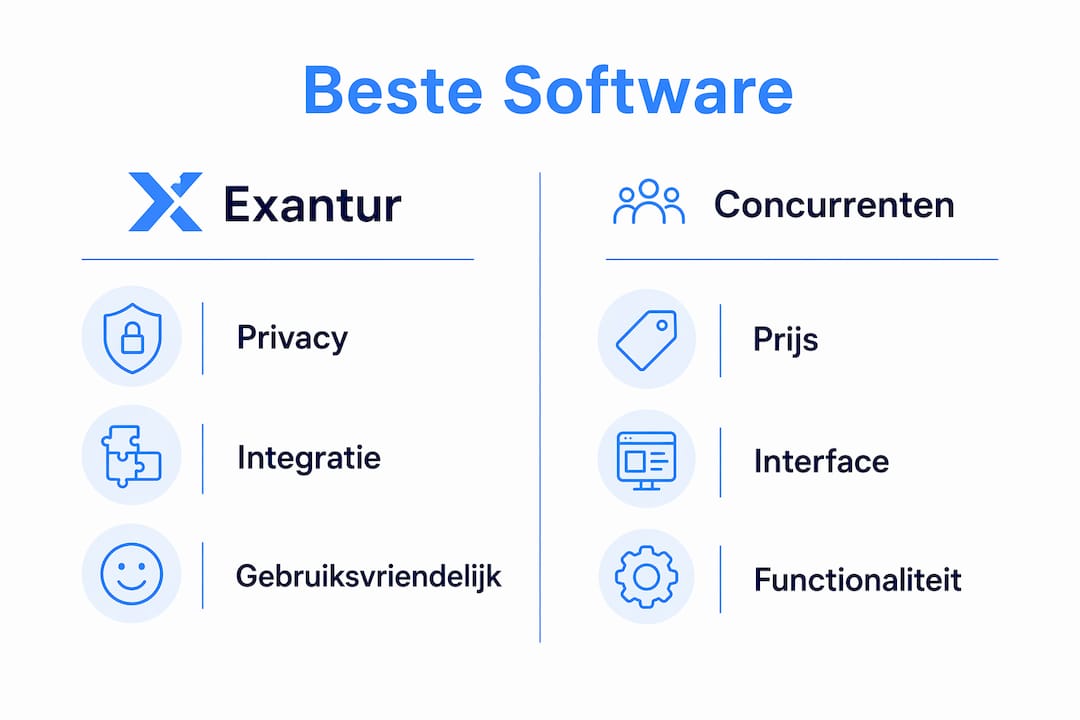
For coaches who want to keep structured session notes while also making coachees' progress visible, Exantur offers the most complete approach. The client portal gives coachees access to their own goals and check-ins, which increases engagement between sessions.
Why good coaching software delivers more than a tidy calendar
Many coaches start with a combination of separate tools: a calendar app, a notebook, a spreadsheet for goals and an email thread for check-ins. That works, until it doesn't. Once you have more than five active coachees, you lose track. Not because you're a worse coach, but because the information is scattered.
Good coaching software solves that by placing everything in the context of the coachee:
- Overview of client records — all session notes, goals, assignments and progress in one place, instantly accessible before the conversation begins.
- Quality standards and professional requirements — NOBCO emphasizes that professional coaches benefit from software that keeps structured records and complies with GDPR requirements.
- Time savings through automation — you don't have to send check-ins, reminders and progress reports manually. That time goes back into the coaching work itself.
- GDPR compliance as a foundation — confidential session data is sensitive information. Software with EU hosting and multi-factor authentication protects that data structurally, not just on paper.
- Coachee engagement — a dedicated portal where the coachee sees their goals and progress makes the journey more transparent. That strengthens the coaching relationship even outside sessions.
- Mobile accessibility — coaches don't only work behind a desk. Software that works well on tablet and phone offers flexibility without compromising on overview.
The difference between a coach who uses separate tools and a coach who works with an integrated platform is not only organizational. It also affects the quality of the conversation: someone who has to search through five apps before a session to find the previous notes enters the conversation with less focus.
How do you choose the right life coach software for your practice?
The choice of coaching software depends on where you are now and where you want to go. A solo coach with three coachees has different needs than a coaching organization with ten coaches and twenty active journeys. Even so, there are criteria that apply to everyone.
What the software should be able to do at a minimum:
- Keep client records with session history and goals
- Structure, search and link session notes to the coachee
- Track progress and accountability, also between sessions
- Comply with the GDPR, with demonstrable EU hosting and security measures
Price versus functionality
Set against a typical coaching rate, a monthly subscription to good software is usually a small investment, with a direct payback effect in time savings and professionalism. Cheap or free tools sound appealing, but cost you more over time in separate subscriptions, manual work and privacy risks. Always check a vendor's current pricing before weighing up the cost.

Ease of use and customer service
Software you have to master before it becomes useful is counterproductive. Test whether the interface feels logical to a coach, not to an IT administrator. Also look at customer service: does the vendor respond quickly, is there documentation in Dutch or English, and is there a trial period?
Privacy and security
Always check: is the data stored on EU servers? Is there multi-factor authentication? How does the vendor handle a data breach? For Dutch coaches, this is not a formality. Session data falls under the GDPR, and as the data controller you are liable.
Integrations with existing tools
Integration options with calendars, payment platforms and communication channels are a practical selection criterion. Software that doesn't connect to your existing way of working creates extra work rather than less.
Pro tip: Always start with a trial period or demo before you take out a subscription. Don't use that period to explore the interface, but to enter a real coaching journey. That way you quickly find out whether the software fits your way of working, rather than the marketing presentation.
What does research say about software and professionalization in coaching?
The coaching market in the Netherlands is visibly professionalizing. NOBCO, the platform for professional coaching in the Netherlands, emphasizes in its market research that digital record management and transparency support peer supervision and professionalization. That's not an abstract recommendation: coaches who keep structured records can evaluate their own work better, use supervision more effectively and make quality demonstrable.
From NOBCO research: professional coaches benefit from software that keeps structured records and complies with GDPR requirements, as a foundation for peer supervision and quality assurance.
What the market further shows:
- Most coaches in the Netherlands are still found through networking and referrals, but online visibility is growing. Platforms that give coachees a dedicated portal contribute to that visibility and transparency.
- The trend points to increasing use of digital tools in coaching journeys and intake conversations, including AI-supported features.
- All-in-one solutions are gaining ground on separate tools. Coaches who manage everything in one platform report less administrative pressure and more focus on the coaching work itself.
- GDPR compliance is a growing point of attention. Software vendors that take privacy by design seriously clearly distinguish themselves from generic alternatives.
For coaches who want to position their practice as professional and trustworthy, software is not just an operational tool. It is also a quality signal to coachees. A coach who works with a secure, structured platform radiates a different professionalism than a coach who keeps session notes in a Word document.
Digital coaching as a way of working also requires a solid foundation. A guide on digital coaching for professionals shows how software can structurally strengthen the quality of coaching journeys, even in a European context.
Exantur: a coaching workspace that combines privacy and practice
Coaches who read the comparison above and think "I want this in one platform, not in five separate tools" are precisely Exantur's target audience. The platform replaces the combination of a notes app, spreadsheet, email check-ins and separate reporting tools with a workspace built specifically for the coaching relationship.
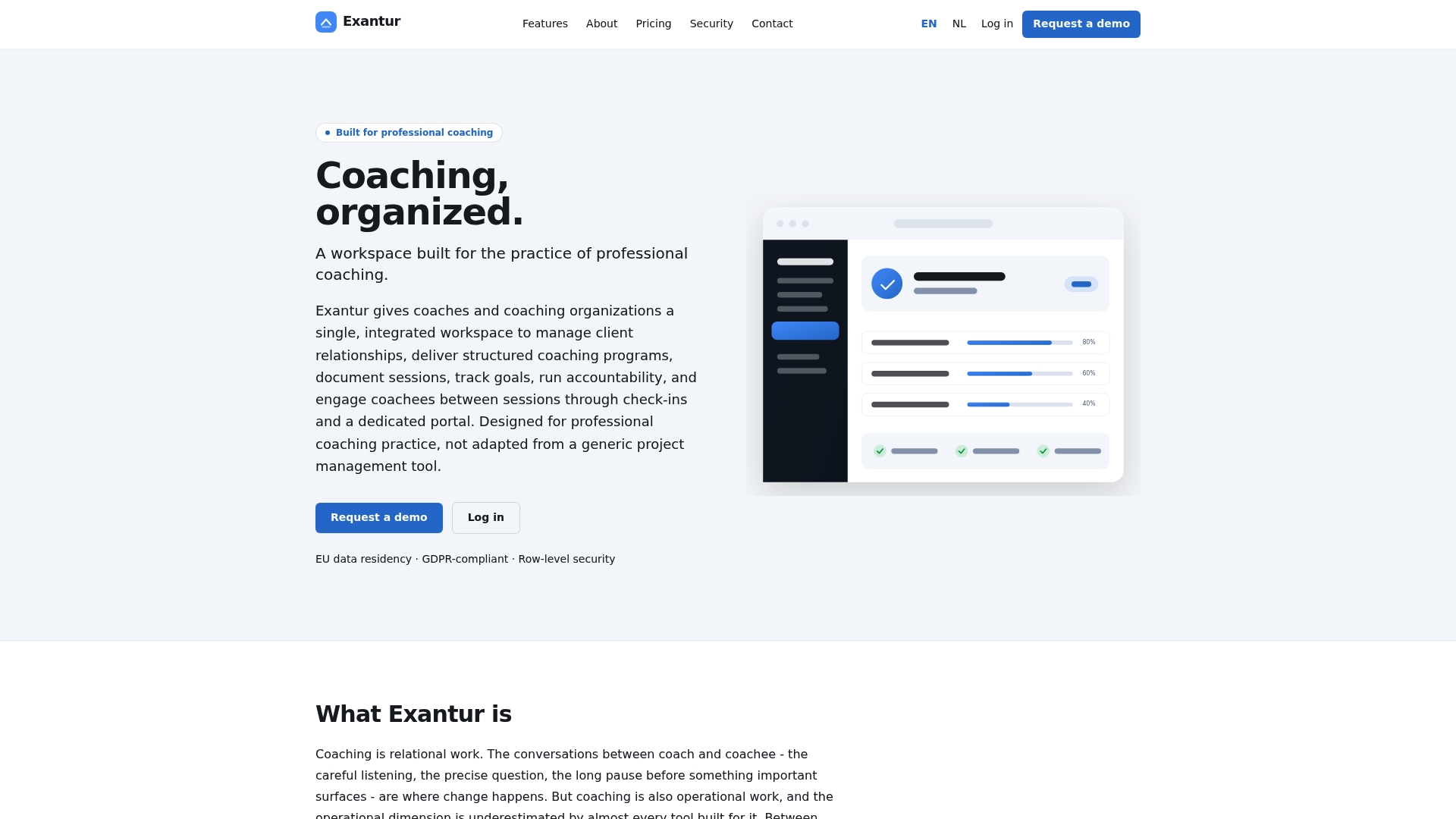
What that means in concrete terms: you open a coachee record and see the entire journey at a glance, from the first intake to the last session, including goals, action points and progress. The coaching reporting software gives you insight without confidential information becoming visible to anyone who shouldn't see it. The client portal gives the coachee access to their own progress, which increases engagement between sessions without you spending extra time on it.
GDPR compliance is not a marketing choice at Exantur, but a technical one: EU hosting, row-level security and multi-factor authentication are built in, not added afterwards. For Dutch coaches who work with sensitive personal information, that is the difference between a checkbox and real assurance.
View the features and pricing or request a demo to see whether Exantur fits your practice.
Key insights
The best coaching software for Dutch coaches combines integrated client management, structured session documentation and demonstrable GDPR compliance in a platform built specifically for the coaching relationship, not repurposed from a generic tool.
| Point | Details |
|---|---|
| GDPR compliance is not optional | Session data falls under privacy legislation; choose software with EU hosting and multi-factor authentication. |
| An integrated platform saves time | A workspace that combines client management, notes and reporting replaces multiple separate subscriptions. |
| The operational layer belongs in it | Online booking, automatic reminders, two-way calendar sync (Google + Outlook) and invoicing through your own Stripe account belong in the same system, not in separate tools. |
| A client portal strengthens engagement | Coachees who see their own goals and progress are more active between sessions. |
| Exantur as the recommended choice | Exantur is built for professional European coaches with GDPR-by-design, EU hosting and an integrated client portal. |