
Sharing documents in coaching: secure and GDPR-compliant
Sharing documents in coaching: secure and GDPR-compliant

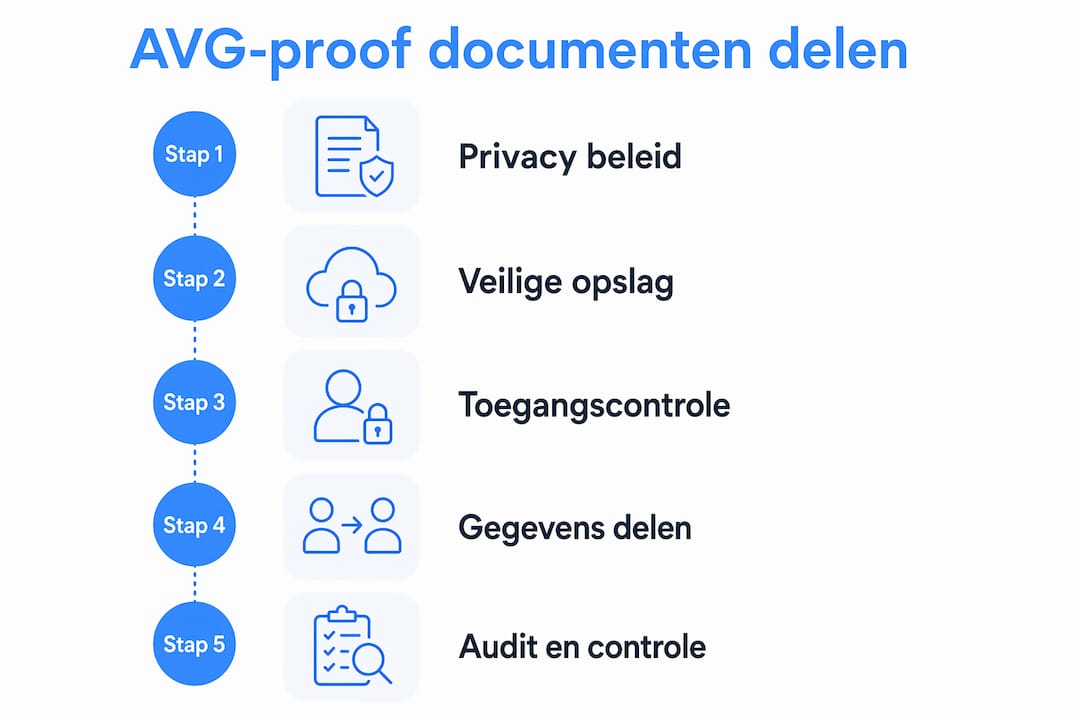
Securely sharing documents in coaching means more than sending a file by email. It is about a structured process in which coaching documents are accessible only to the right people, stored on EU servers, and compliant with the GDPR. Those who organise this well not only work in a legally correct way, but also build a professional relationship with the coachee.
The core of effective document management in coaching:
- GDPR compliance: coachees have the right to access their complete file within one month of a request.
- Central storage: documents, session notes and progress in one secure system, not scattered across email, WhatsApp and loose folders.
- Secure client portal: coachees get controlled access to their own programme information.
- Technical measures: encryption, multi-factor authentication and an access log are not a luxury but a requirement.
- Privacy by design: the system is built so that data is protected by default, not secured after the fact.
Table of contents
- Why an integrated coaching workspace makes the difference
- How do you comply with the GDPR when sharing coaching documents?
- What does a secure client portal give your coachee?
- From calendar to reporting: practice management in one system
- How do you choose and implement a document system for coaching?
- How do you manage client data and calendar efficiently?
- How do you onboard coaches and coachees into a new document management system?
- Exantur: a workspace built around the coaching relationship
- Key takeaways
Why an integrated coaching workspace makes the difference
Many coaches work with a patchwork of tools: Google Drive for documents, email for communication, a separate calendar app and a spreadsheet for progress. That works, until a coachee asks to see their file and you spend an hour gathering everything together.
An integrated coaching workspace bundles all of this. Session notes, documents, assignments, progress reports and the calendar are in the same environment, linked to the coachee's programme. You see at a glance where someone stands, without switching between five tabs.
Platforms such as Exantur, Digitaal Coach Dossier, Trackler and Pluvo are built specifically for coaching. They understand that a coaching file is different from a project folder: it contains sensitive observations, personal breakthroughs and confidential action points. A generic tool like Google Drive does not offer that context and lacks the privacy safeguards the GDPR requires.
Features a coaching workspace should have:
- Searchable session notes with room for observations, insights and action points
- Document storage and assignment management per coachee
- Progress tracking and reporting
- Structured assessments (intake, reflection and evaluation forms)
- Calendar and appointment management
- Secure client portal with configurable access rights
Pro tip: Link every document directly to the coachee's programme, not to a generic folder. That way you can retrieve everything for an access request and keep an overview, even when you support dozens of coachees.
How do you comply with the GDPR when sharing coaching documents?
The GDPR sets clear requirements for coaches who process personal data. Privacy by design means your system is set up by default so that only authorised people have access, with logs that record who viewed which document and when.
Sending coaching documents as loose PDFs by email no longer meets current standards. A password on a PDF is not encryption in the sense of the GDPR. A centralised, encrypted platform is the only workable solution.
Technical requirements for secure document sharing:
- Encryption: AES-256 and multi-factor authentication effectively protect coaching data.
- Audit log: an automatic log of access actions makes access requests manageable.
- EU hosting: data may not simply be stored outside the EU.
- Data processing agreement: when using external software, a data processing agreement is mandatory under Article 28 of the GDPR.
- Access management: set per coachee who may view which documents.
Did you know? Coaches experience less stress around privacy rules when they work with automated logs and fixed processes for access requests. The absence of such an automatic logging process is a greater source of stress for many coaches than the GDPR legislation itself.
What does a secure client portal give your coachee?
A secure client portal gives the coachee access to their own goals, progress, assignments and reports. That sounds simple, but the effect on the coaching relationship is significant. Coachees who can look back on their programme between sessions are more actively engaged and come to conversations better prepared.

Coaches who use a central client portal increase trust and their professional image by giving coachees secure, continuous access to their programme information. Privacy is not a side issue here: it is the very foundation of the coaching relationship.
The benefits of a client portal at a glance:
- Coachees always see their current goals and progress
- Secure access via login credentials, without documents circulating by email
- Access rights are configurable per document or phase of the programme
- A professional image strengthens the coach's reputation
- Compliance with the GDPR right of access is embedded in the system
Pro tip: Introduce the portal right at the first conversation. Explain what the coachee can find there and how it works. Coachees who use the portal from day one keep using it.
From calendar to reporting: practice management in one system
Specialised coaching software does more than store documents. It connects calendar, appointments, check-ins and reports into a working whole. Scheduling an appointment automatically triggers a reminder; after the session you record notes that are directly linked to the coachee's goals.
Exantur combines client management, session documentation, progress tracking and between-session check-ins in one environment. That saves switching and reduces the chance of errors. Efficient practice management with software reduces time lost by integrating calendars, contact management and reporting into one platform.
Tasks you centralise in a coaching workspace:
- Scheduling appointments and sending reminders
- Recording session notes and linking them to goals
- Sharing assignments and documents with the coachee
- Tracking progress and generating reports
- Sending check-ins between sessions
- Structuring coaching programmes per pathway
How do you choose and implement a document system for coaching?
Choosing a document system starts with the question of what you need on a daily basis. Security and GDPR compliance are non-negotiable. Ease of use determines whether you actually use the system.
Assessment criteria for a coaching document system:
- Security: EU hosting, encryption, MFA and an audit log present?
- GDPR-compliant: is a data processing agreement available and is the system privacy by design?
- Ease of use: can both coach and coachee get to work with it quickly?
- Features: session notes, document storage, portal, reporting and calendar in one system?
- Support: is support available for questions or problems?
Implement in stages. Start with a pilot for a small group of coachees, test the workflows and adjust where needed. Then train all coaches in the system before rolling it out broadly. Communicate clearly to coachees what the portal is, why you use it and how they log in.
Best practices for daily use:
- Always save the most recent version in the system, not locally on your laptop
- Give coachees access only to documents intended for them
- Periodically check who has access to which files
- Actively use the log for access requests
How do you manage client data and calendar efficiently?
Client data and the calendar belong together in a coaching workspace. A coachee without associated appointments and notes is just a loose row in a spreadsheet. Link every contact directly to the programme: contact details, appointments, session notes, documents and progress in one overview.

A coaching CRM built specifically for coaches keeps the relationship at its core. Not the deal or the ticket, but the coachee's programme. That way, at every conversation you immediately see the history, the goals and the outstanding action points, without searching.
Calendar integration prevents double bookings and ensures reminders are sent automatically. That sounds like a detail, but it saves coaches time each week that they can better spend on the conversation itself. Link your calendar to your coaching software and let the system do the administrative work.
How do you onboard coaches and coachees into a new document management system?
A good system that nobody uses solves nothing. Onboarding determines whether the investment pays off. Coaches have different needs than coachees: coaches want to know how to create files, record notes and share documents. Coachees want to know how to log in and what they can find.
Keep the onboarding short and practical. A brief instructional video or a simple two-page guide is enough for most coachees. Coaches benefit from a live session or a more detailed walkthrough of the system, so they get to know the features they need on a daily basis.
Platforms like Exantur are built for coaches who take their profession seriously, not for IT specialists. The interface is set up so that a coach without a technical background can get started quickly. Even so, it pays to take a moment at the start: explain why the system is there, what it offers the coachee and how it protects the privacy of both parties. That significantly increases acceptance and long-term use.
Exantur: a workspace built around the coaching relationship
Coaches who take their document management seriously deserve software that does too. Exantur is not a generic project tool converted for coaching. It is built from the ground up around the coaching relationship: client management, session documentation, progress tracking, check-ins, assessments and a secure client portal in one environment.
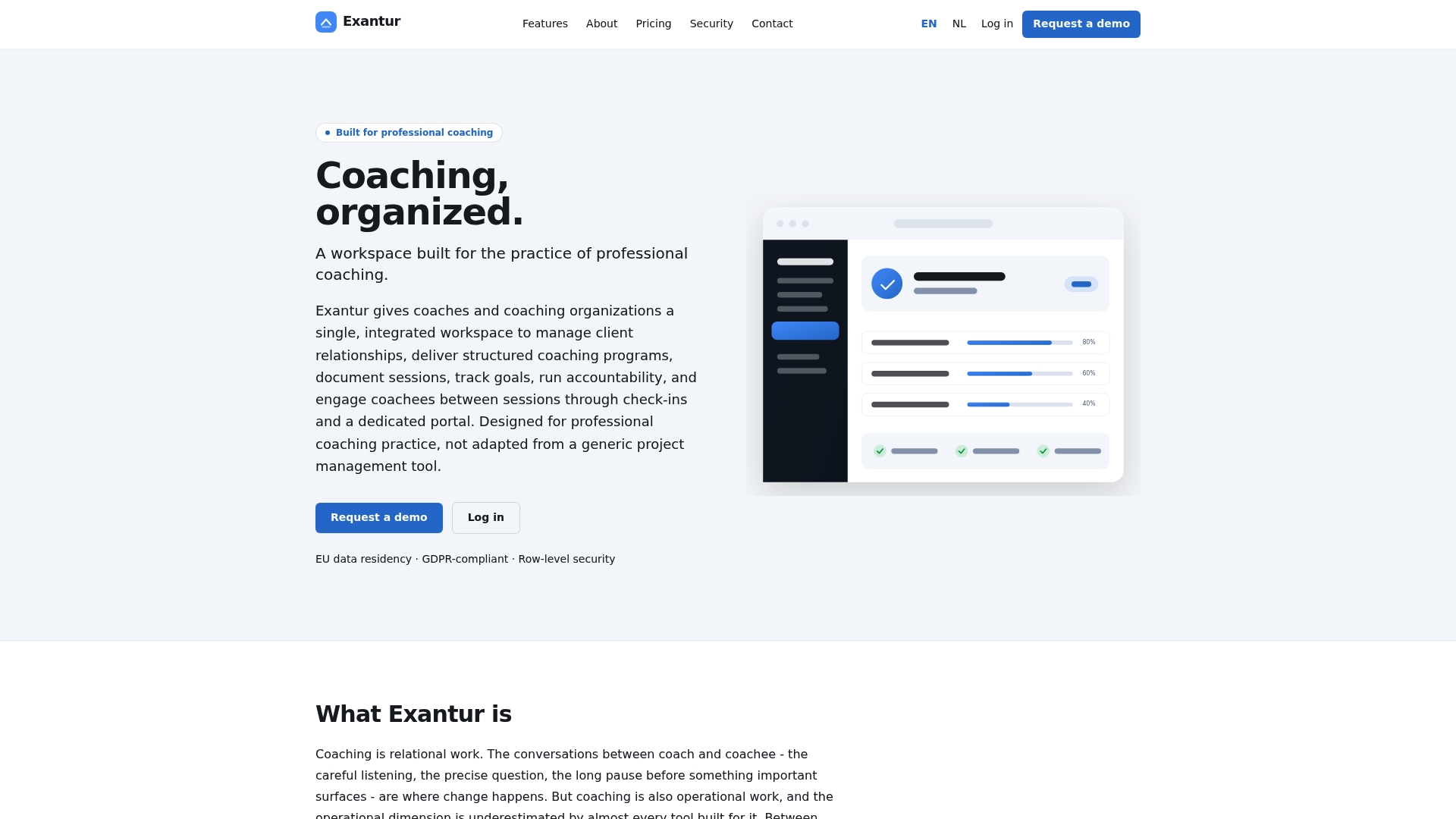
Where Google Drive leaves coaching files scattered and WhatsApp is no GDPR-compliant alternative, Exantur offers a central workspace that meets the requirements of the GDPR, runs on EU servers in Frankfurt and protects sensitive coachee data with row-level security, multi-factor authentication and a data processing agreement. Sub-processors process within the EU or under the EU Standard Contractual Clauses. Through the client portal, coachees get access to their own goals and progress, which increases engagement between sessions. Reports are confidential and clear, without you having to compile them manually.
Want to see how Exantur works for your practice? Check out the features at exantur.com and start a trial period.
Key takeaways
Securely sharing documents in coaching requires an integrated, GDPR-compliant workspace with a secure client portal, encryption and automatic audit logs.
| Point | Details |
|---|---|
| GDPR right of access | Coachees have the right to access their complete file within one month of a request. |
| Privacy by design | Only authorised people have access, with logs of all access actions. |
| Loose PDFs are insufficient | A password on a PDF does not meet the GDPR; an encrypted platform is required. |
| Client portal increases engagement | Coachees who can follow their programme are more actively engaged and better prepared. |
| Exantur as an integrated solution | Exantur combines document management, session notes, portal and reporting in a GDPR-compliant workspace on EU servers. |